
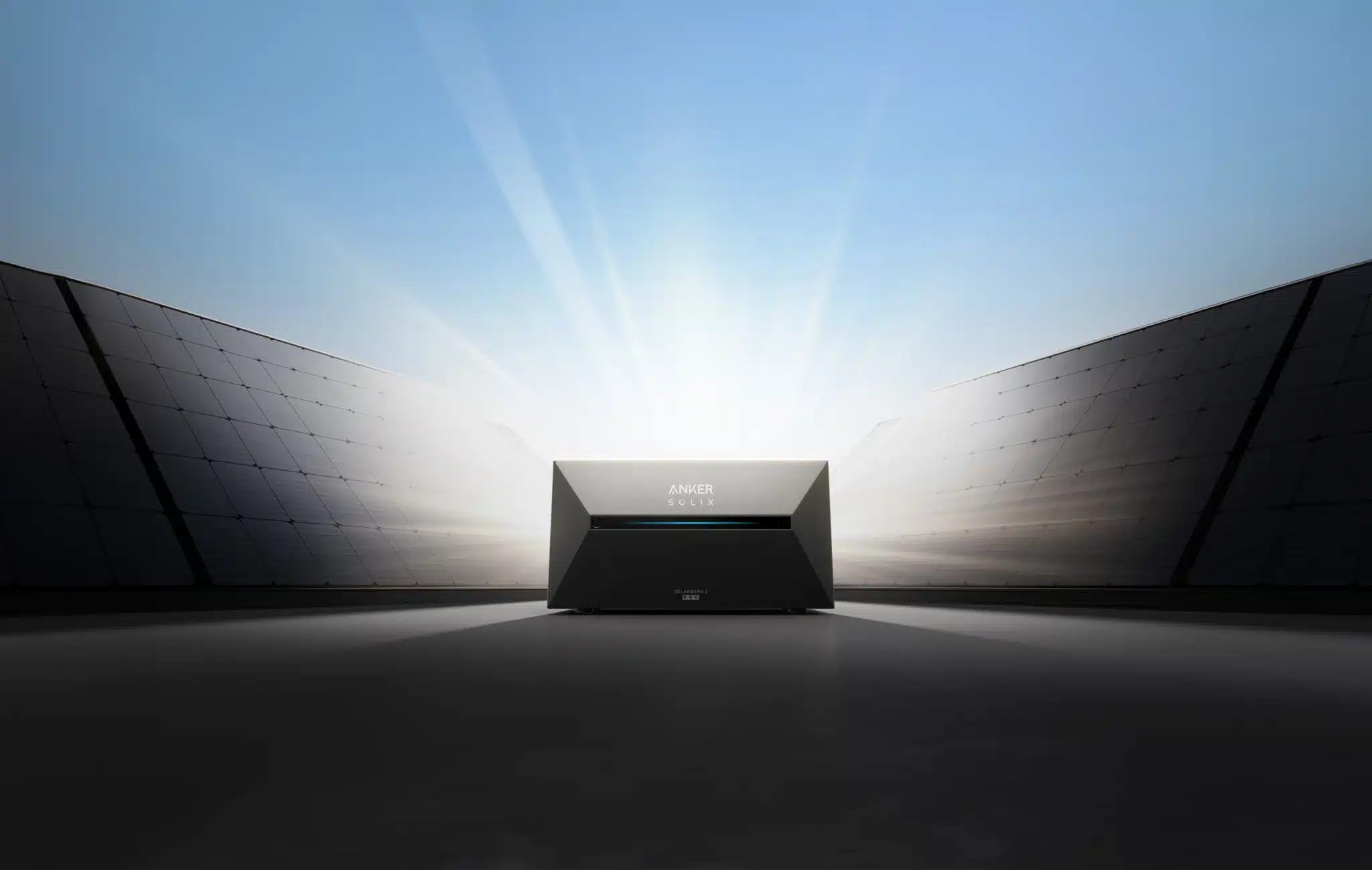
ANKER SOLIX PRO 3 Battery Storage System – Solarbank 3 E2700 for Balcony Power Plants
Delivery time: 1–3 business days
inkl. 0% MwSt. zzgl. Versandkosten
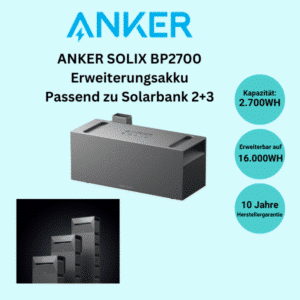
The Anker SOLIX Solarbank 3 Pro is the heart of your system: It stores solar power, manages the flow of energy in your home, and helps you significantly increase your self-consumption. If you want more reserve power for the evening and night later on, you can expand the system with the BP2700 —without having to replace the main unit.
Guaranteed Secure Payments






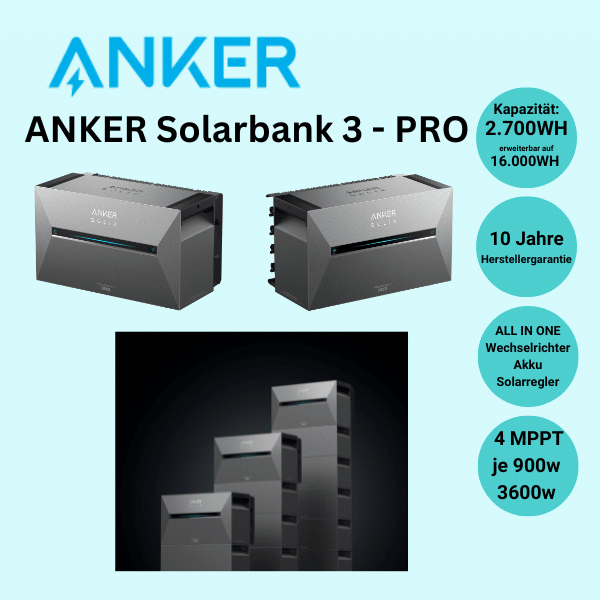
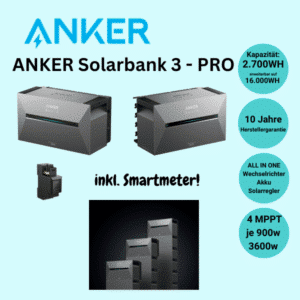
Die Anker SOLIX Solarbank 3 Pro (E2700), auch als Anker SOLIX 3 Pro bekannt, ist eins der leistungstärksten All-in-One-Speichersysteme für Balkonkraftwerke auf dem Markt. Mit einem integrierten Wechselrichter, 4 MPPT-Ladereglern und einem 2.688 Wh LiFePO4-Speicher deckt dieses System alle Anforderungen moderner Batteriespeicher ab – vom Balkon bis zum Flachdach.
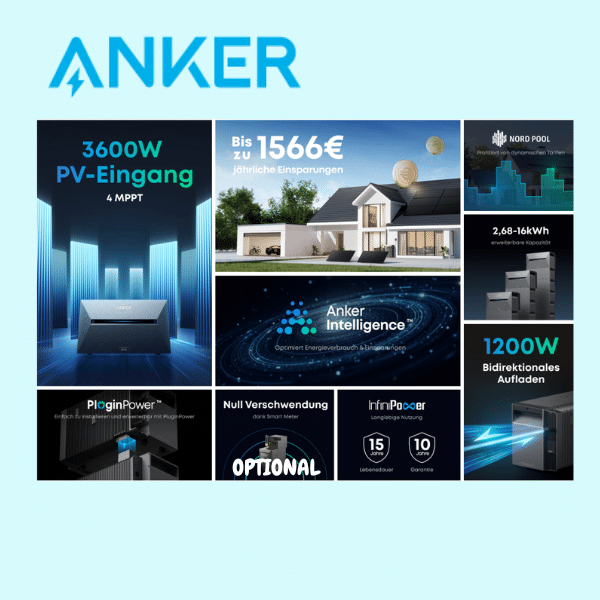
When combined with the optional Anker Smart Meter, the system enables dynamic zero feed-in in real time and increases the self-consumption rate from ~40% to up to 90%.
Technical Specifications
| Property | Value |
|---|---|
| Model | Anker SOLIX Solar Bank 3 Pro (E2700) |
| Capacity | 2,688 Wh (2.7 kWh) LiFePO4 |
| Grid Connection | 800W |
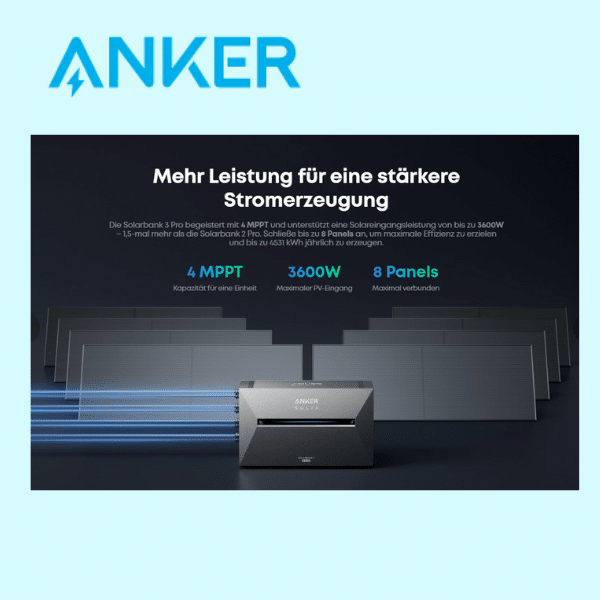
| PV Input Power | Max. 3,600 W (4 × MPPT at 900 W each) |
| Charging/Discharging Capacity | 1.200W |
| PV Connections | 4 MPPT (for up to 8 modules) |
| Emergency Exit | 1,200 W AC (in the event of a power outage) |
| Extensibility | up to 16 kWh (wireless stacking with BP2700) |
| Operating Temperature | -20°C to +60°C (with integrated active heating) |
| Protection Class | IP65 (water- and dust-tight) |
| Service life | 6,000 charge cycles (~15 years) |
| Weight | 31 kg |
| Connectivity | Wi-Fi, Bluetooth, Anker app (iOS/Android) |
The Main Benefits
4 independent MPPT trackers for maximum PV output
Each of the four MPPT trackers operates independently at up to 900W. Even in the event of partial shading or varying module orientations, the maximum power is drawn from each module—no loss due to module conflicts for installed power of up to 3,600W.
Real-Time Zero-Energy Metering with a Smart Meter
With the optional Anker Smart Meter, the Solarbank 3 Pro adjusts its output to match the home’s current energy consumption with millisecond precision. Virtually no electricity is fed into the grid—the self-consumption rate increases from ~40% to up to 90%.
Active Heating: Full Power Down to -20°C
The integrated active heating system maintains the LiFePO4 cells at their optimal operating temperature even when the outside temperature is -20°C. Full charging capacity all year round—a key advantage for year-round operation in Germany.
Modularly expandable up to 16 kWh
Die Basis-Kapazität der Anker SOLIX 3 Pro von 2.688 Wh lässt sich per Wireless Stacking mit dem BP2700 Zusatzakku ohne Kabel auf bis zu 16 kWh erweitern. Einfach dazustellen und in der App konfigurieren.
Emergency Power Output: 1,200 W AC in the event of a power outage
The built-in AC emergency output provides up to 1,200 W from the battery in the event of a power outage—for a refrigerator, router, or lighting. This is a feature that most competing products do not offer.
Installation: Ready to go in just a few steps
Solarmodule über die 4 MC4-Eingänge der Anker SOLIX 3 Pro anschließen, Batteriespeicher mit Ihrem Stromnetz verbinden, Anker App einrichten. Fertig. Für den Anschluss ans Hausnetz ist eine Elektrofachkraft gesetzlich vorgeschrieben. IP65-Schutzklasse für den dauerhaften Outdoor-Einsatz.
Frequently Asked Questions About the Anker SOLIX Solar Bank 3 Pro (E2700)
What are the limitations of the Anker SOLIX Solarbank 3 Pro?
In Germany, grid feed-in is legally limited to 800 W, regardless of the installed PV capacity. The unit weighs 31 kg, so transportation to the installation site should be planned accordingly. With an output power of up to 800 W and a connected module capacity of up to 960 Wp, a licensed electrician is not required; the connection is made via a standard Schuko outlet.
Can I use the Solarbank 3 Pro as a full-fledged photovoltaic system?
Yes, the SOLIX PowerDock can be used to connect multiple solar banks in series, thereby combining them into a larger, fully functional solar system. Solar Bank Series 2, 3, and 4 are compatible with the PowerDock.
Does the Solarbank 3 Pro work even without a Wi-Fi connection?
Basic operation runs automatically as soon as solar power or grid power is available. A Wi-Fi connection is required for remote control, monitoring in the Anker app, and the zero-feed-in function with the optional smart meter.
Do I absolutely need the Smart Meter for the Solarbank 3 Pro?
No, the Solarbank 3 Pro works even without a smart meter. In that case, it typically feeds power into the grid at a fixed base load rather than adjusting the output to match household consumption. The smart meter enables dynamic zero-feed-in and increases the self-consumption rate.
How do I expand the storage capacity of the Solarbank 3 Pro?
Via wireless stacking with the BP2700 (up to 16 kWh total capacity) or the BP5000 auxiliary battery (up to 30 kWh total capacity, according to the manufacturer)—both wireless and without changing systems.
Wie unterscheidet sich die Anker SOLIX 3 Pro von der 4 Pro?
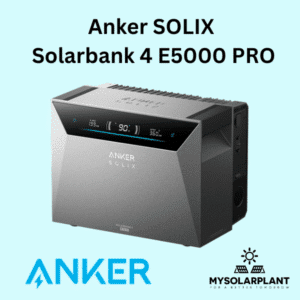
Die Solarbank 3 Pro startet mit 2.688 Wh Basiskapazität und lässt sich per Wireless Stacking auf bis zu 16 kWh (mit BP2700) beziehungsweise 30 kWh (mit BP5000) erweitern. Die SOLIX 4 Pro (E5000) bringt bereits ab Werk 5 kWh mit, nimmt bis zu 5.000 W PV-Leistung auf und liefert im Notstromfall bis zu 2.500 W. Für kleinere Balkonkraftwerke mit späterem Ausbauwunsch ist die 3 Pro meist die günstigere Einstiegslösung, für größere Dachanlagen mit höherem Sofortbedarf eignet sich die 4 Pro besser.
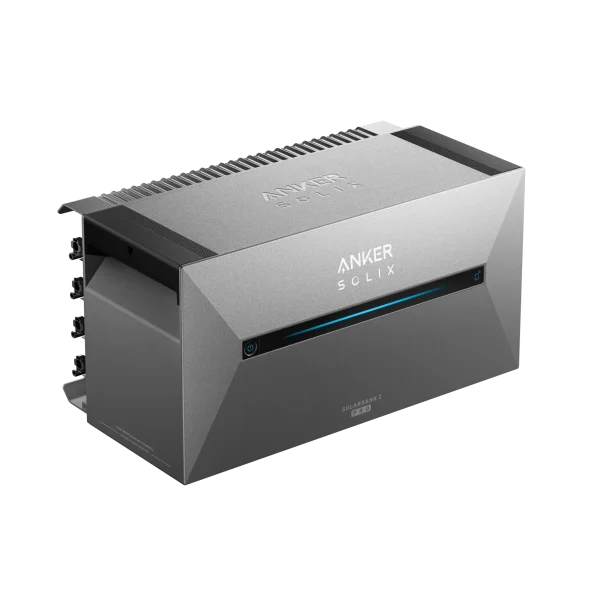
What's Included
Anker Solix Solar Bench 3 E2700 Pro
All-in-one storage system with a built-in 2400W inverter and space for up to 8 solar panels. Easily expandable to 13.44 kWh. Water- and frost-resistant. 10-year manufacturer’s warranty.
– Dimensions: 46.0 x 24.9 x 25.4 cm, Weight: 21.8 kg
– Capacity: 2,688 Wh
– Output power: max. 1,200 W
– 1x built-in inverter
– 1x connection cable (3 m)
– Unlocking tool
– 1x mounting accessories
– Optional: BP2700 expansion battery
Downloads and Safety Information
What Our Customers Say
Rate this product
Frequently Asked Questions
Can I operate the Solarbank 3 Pro in a way that prevents any power from being fed into the grid?
Yes. To do this, you'll need a compatible smart meter. In the Anker app, you can disable the feed-in option in the Solarbank settings so that no electricity is fed back into the public grid.
Which smart meters are compatible with the Solarbank 3 Pro?
According to Anker, the Anker Smart Meter, Shelly 3EM, and Shelly Pro 3EM are currently supported. Other smart meters cannot currently be connected to the Anker app.
How many solar panels can I connect to the Solarbank 3 Pro?
The Solarbank 3 Pro has four PV ports. Up to two modules can be connected in parallel to each PV port—for a total of up to eight modules.
Do I need Y-cables or other cables to connect more than four modules?
Yes, Y-cables are typically used for parallel connections if you want to run two modules per PV port. Important: According to Anker, the modules must not be connected in series, but only in parallel.
How do I expand the storage capacity of the Solarbank 3 Pro?
Via wireless stacking with the BP2700 or the BP5000 auxiliary battery—both wireless and without changing systems. The BP2700 achieves a total capacity of up to 16 kWh, while the BP5000, according to the manufacturer, reaches up to 30 kWh.
Can I connect multiple solar panels together to form a larger solar system?
Yes, the SOLIX PowerDock can be used to connect multiple solar banks in series, thereby combining them into a larger, fully functional solar system. Solar Bank Series 2, 3, and 4 are compatible with the PowerDock.
Does the Solarbank 3 Pro also function as an emergency power solution during a power outage?
Yes. According to Anker, during a power outage, the off-grid output provides up to 1,200 W; the on-grid output does not function. When the sun is shining, the PV modules can continue to power devices or support the battery.
Do I need a licensed electrician to connect the Solarbank 3 Pro?
For an output power of up to 800 W and a connected module power of up to 960 Wp, a licensed electrician is not required; the system is connected via a standard Schuko outlet. For higher values, a permanently installed Wieland outlet installed by a licensed electrician is required.
How do I connect the Solarbank 3 Pro?
Connect the solar panels via the MC4 inputs, connect the solar bank to the power grid using a standard Schuko outlet, and set up the Anker app. The app will then automatically detect the device.
How do I connect the Solarbank 3 Pro to Wi-Fi?
Through the Anker SOLIX app, which guides you through the setup process. A 2.4-GHz Wi-Fi connection is required; 5 GHz is not supported.
Where can I find an overview of the Solarbank 3 Pro's technical specifications?
All key technical specifications (capacity, PV input power, emergency power output, protection class) are listed further up on this page in the specifications table.
Similar Products
-
ANKER SOLIX 4 PRO Battery Storage System – Solarbank 4 E5000 Pro for Balcony Power Plants
1.399,00 €Bewertet mit 5.00 von 5
15 Rezensionen für ANKER SOLIX PRO 3 Batteriespeicher – Solarbank 3 E2700 für Balkonkraftwerke
Christoph S. –
Norbert S. –
Karl-Heinz D. –
Eddy D. –
WOLFGANG S. –
Edgar K. –
Regina S. –
Paul D. –
Andrej M. –
Sofia J. –
Peter K. –
Hans S. –
Lambert v. –
Paul R. –
Slava B. –